Skip to content

Features

What the software does, and where it stops

The parts of the product that matter most to a hospital, described by what happens on screen, with the limits stated in the same place rather than in a footnote.

Laboratory

Results that are checked before anyone relies on them

Two people for every result, a record of every correction, and critical values that stay in view until the call is recorded.

Professional plan and above

Two-person result verification

Entering a result and releasing it are separate acts, by separate people.

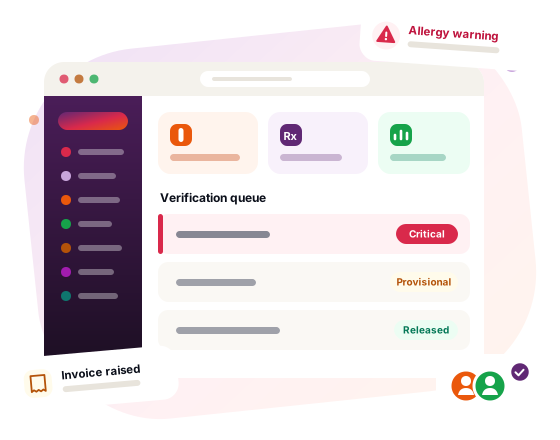
  • A technician records the value, and the order waits in a verification queue.
  • Somebody else — another technician, the requesting doctor or an administrator — reads it back and releases it. The system refuses to let the person who entered a result verify it.
  • Until it is released, clinical staff see the result marked provisional, and the patient does not see it at all.
  • A released result is never overwritten. A correction needs a reason, keeps the superseded value on the record, and withdraws the result from the patient portal until it has been checked again.
  • The report reads as amended from then on, and FHIR exports carry the same distinction: preliminary, final or amended.
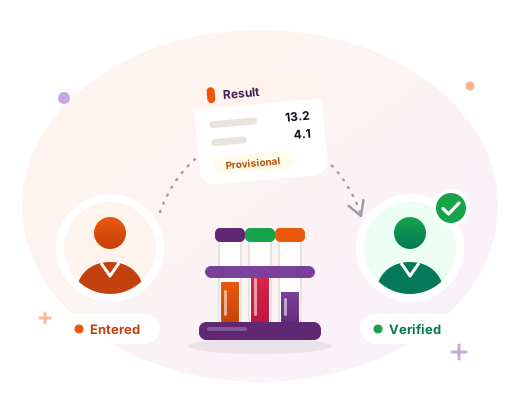
A result slip, still marked provisional, passing from the person who entered it to a different person who verifies it, beside a rack of test tubes.
Professional plan and above

Critical result handling

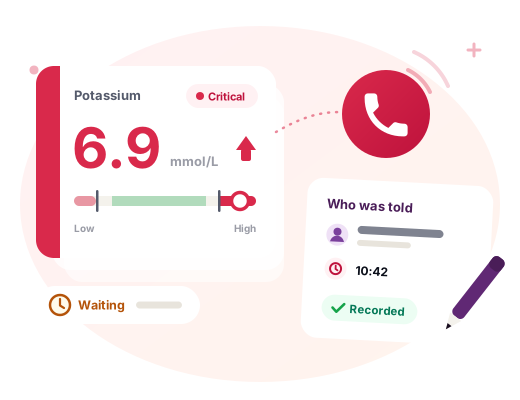
A critical value stays at the top of the screen until somebody records who they told.

  • Each test can carry critical low and high figures, set by your laboratory.
  • A result at or beyond them is flagged the moment it is entered, and shown in red on screen and in print.
  • It is listed above the verification queue, with how long it has been waiting, until somebody records by name who they told. The call does not wait for verification.
  • Correcting a critical result clears the recorded call, even when the new value is also critical: the person who was telephoned was given a number that has since been withdrawn.

Where it stops. The thresholds are the ones your laboratory sets; they are not guessed from the free-text normal range, and only numeric results can be compared. Nothing pages, texts or escalates if the call is never made. It makes an unmade call visible. It does not make the call.

A critical potassium value shown in red beyond the laboratory's high threshold, a waiting timer, a phone call, and a note recording who was told.
Prescribing

Prescribing checks that warn, and remember what was decided

Run when a prescription is written, on every plan.

Allergy and interaction checks

Checked against the patient's recorded allergies and a built-in set of known interactions.

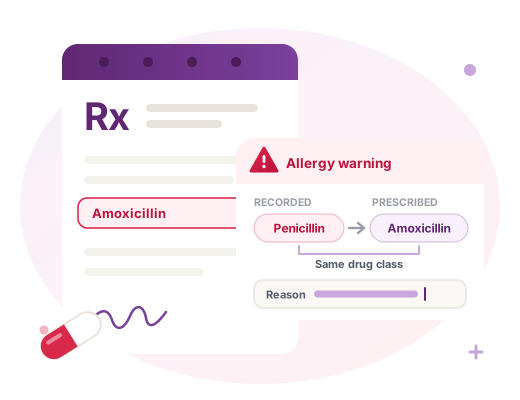
  • Allergies are matched by drug class, not only by name: a recorded penicillin allergy warns when amoxicillin is prescribed, even though the two words share no letters.
  • Cephalosporins raise a lower-level warning, as a possible cross-reaction.
  • Built-in checks cover common drug interactions. It is a starter set, extensible with a licensed drug database if you want fuller coverage.
  • Warnings never block. The prescriber types a reason and it is recorded against the prescription, which is what protects both patient and doctor when a case is reviewed.

Where it stops. A decision aid, not a complete drug reference. Clinical judgement and the product literature remain the authority.

A prescription for amoxicillin raising an allergy warning against a recorded penicillin allergy of the same drug class, with a field for the prescriber's reason.
Billing and stock

Billing that follows the work

Invoices raised by the work itself, corrections made in the open, and stock that only moves for a reason.

Billing from completed work, and the work that was missed

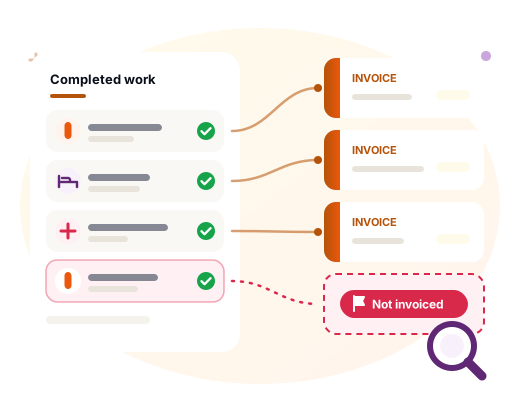
Finishing a job raises its invoice. A report lists the jobs that still slipped through.

  • Pharmacy dispensing raises its invoice as it is dispensed, on every plan.
  • Ward stays, completed lab tests and theatre procedures raise theirs on completion, on the Professional plan and above.
  • The revenue-leakage report, on the Professional plan and above, lists work that was done and never invoiced. It is arithmetic rather than opinion: take last month's completed lab orders and see which of them were billed.
A list of completed work, each job feeding its own invoice, with one completed job flagged as not invoiced and a magnifying glass over it.

Credit notes and write-offs

An invoice cannot be edited, but it can be corrected.

  • An administrator or the accountant issues a credit note when the charge was wrong, or a write-off when the charge was right and the money will not arrive.
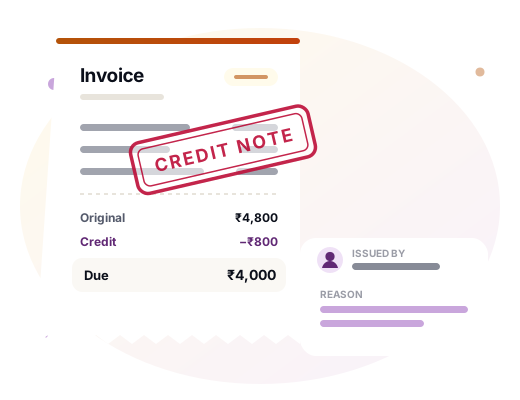
  • The invoice is reduced rather than deleted. The original amount, the reason and who issued it are kept, and print on the bill.
  • Receptionists cannot issue either: whoever takes the money should not also be able to decide that a debt is gone.
  • A credit can never exceed what is still outstanding.

Where it stops. A credit reduces what is owed; it does not record money going back to a patient. There is no refund record, so if money is physically returned, that happens outside the system.

An invoice stamped "credit note", showing the original amount, the credit and the amount due, beside a card recording who issued it and why.

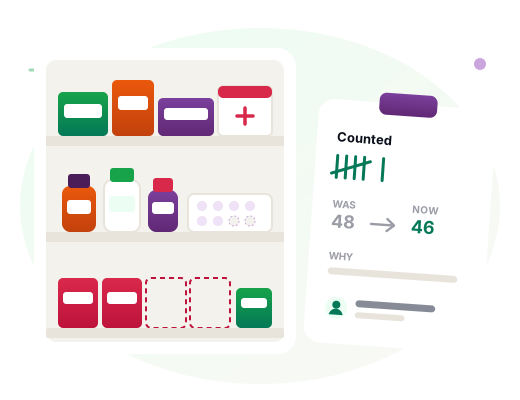
Stock corrections

Editing a medicine cannot change its stock figure.

  • Stock moves through dispensing, receiving and transfers, or through a counted correction.
  • A correction records what the figure was, what it became, who counted and why.
  • If the shelf moved while the correction page was open, it refuses outright rather than silently undoing a sale.
A medicine shelf with two items missing, beside a count sheet recording what the figure was, what it became, why, and who counted.

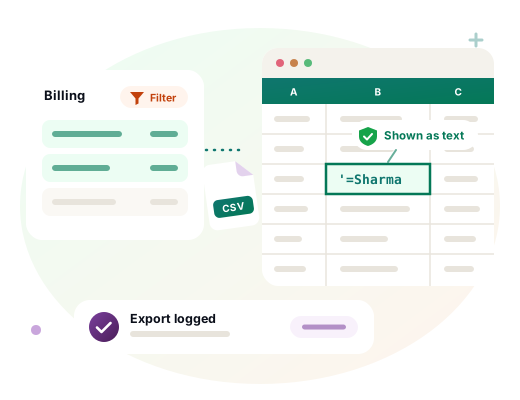
CSV export of the billing list

Exactly what the screen is showing, filter and search included, never the whole ledger.

  • Every export is written to the signed activity log with the number of rows and what it matched, so a bulk read of the ledger is visible afterwards.
  • Values a spreadsheet would treat as formulas are neutralised on the way out, so a patient named =Sharma is shown as text rather than run when the file is opened.

Where it stops. Billing is the only screen with an export today.

A filtered billing list exported as a CSV file into a spreadsheet, where the value =Sharma is shown as text, and a note that the export was logged.
Patients and records

Records your patients can see, and other systems can read

Patient portal

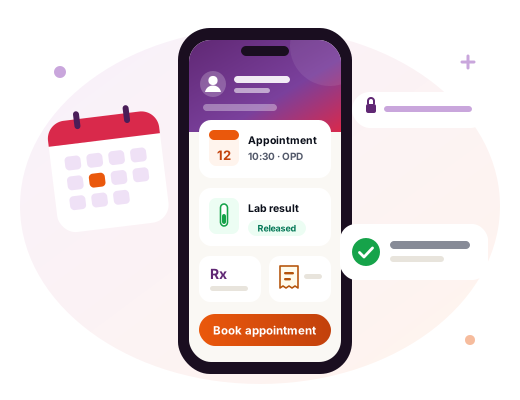
Patients see their appointments, prescriptions, released lab results and invoices, and book appointments online.

  • Included on every plan.
  • Lab results appear only once they have been released, and a corrected result is withdrawn until it has been checked again.
  • Patients sign in at your hospital's own address.
A phone showing a patient's appointment, a released lab result, prescriptions and invoices, with a button to book an appointment.
Professional plan and above

FHIR R4 export, per patient

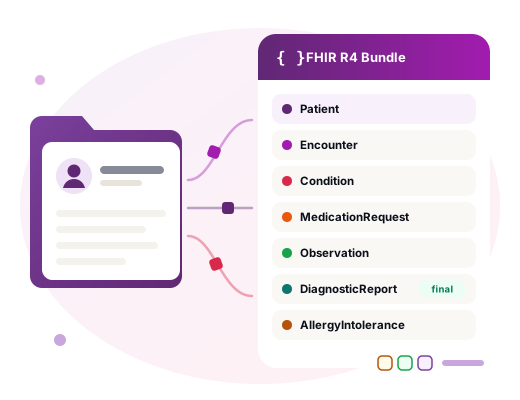
A FHIR R4 document bundle for one patient: interoperability output, not a spreadsheet.

  • Covers the patient, encounters, conditions, prescriptions, observations, lab reports and allergies.
  • Lab reports carry their status natively: preliminary, final or amended.
  • Part of the Health ID and consent module.
One patient's record flowing out as a FHIR R4 bundle listing Patient, Encounter, Condition, MedicationRequest, Observation, DiagnosticReport and AllergyIntolerance.

ICD-10 diagnosis coding

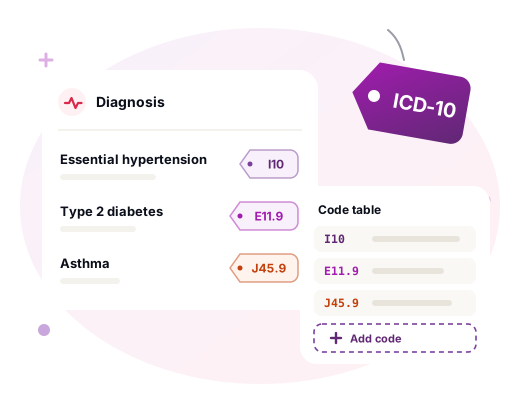
Diagnoses are coded against ICD-10, with a code table you can extend.

Diagnoses tagged with ICD-10 codes such as I10 and E11.9, beside a code table with a row for adding a code.
Professional plan and above

ABHA-ready (India)

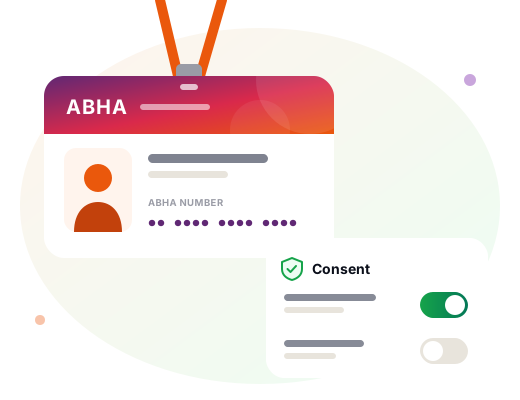
For hospitals in India: record ABHA numbers and manage patient consent, ready for ABDM integration.

  • ABHA numbers are recorded against the patient.
  • Patient consent is recorded and managed in the same place.

Where it stops. India only: ABHA and ABDM are India's national health ID and gateway, so hospitals in other countries do not see this. The connection to the national gateway is on the roadmap. The software does not connect to it today, and we will not describe it as if it did.

A health ID card holding a patient's ABHA number, beside a consent panel with on and off switches.
Access and reporting

Who sees what, and what the numbers say

Role-based access

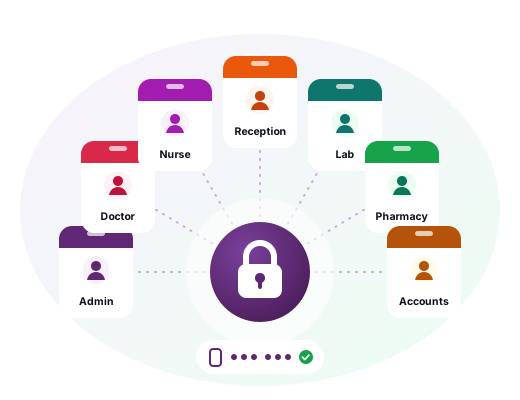
Seven roles, each reaching only the pages its work needs.

  • Enforced on every page request, not just hidden from the menu.
  • Sign-ins, sign-outs and failed sign-ins are recorded in the signed activity log.
  • Two-factor sign-in with an authenticator app, and single-use recovery codes for a lost phone.
Seven role badges, admin, doctor, nurse, reception, lab, pharmacy and accounts, arranged around a single lock.

Reports and analytics

What you billed, on every plan. What you should have billed and did not, on Professional.

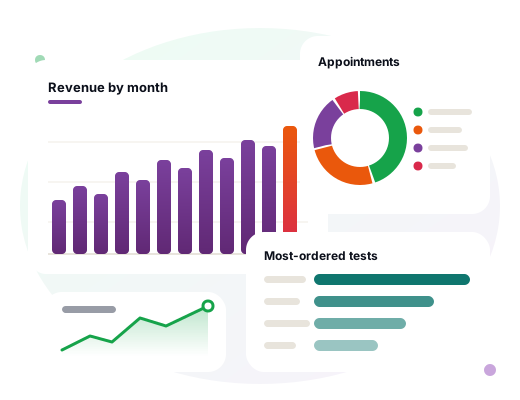
  • Reports, on every plan: a period summary, appointments by status, appointments per doctor, revenue by month over twelve months, and the most-ordered lab tests.
  • Analytics, on the Professional plan and above: the revenue-leakage report, utilisation, doctor productivity, patient flow and payer ageing.
Charts of revenue by month, appointments by status, the most-ordered tests and a period summary.
Everything else

Every module, group by group

This page covers the parts that need explaining. The modules pages list the rest, from the OPD queue to payroll.

See every module Safety and security

See these working on a call

The lab queue, the prescribing check and the billing screens, shown with your questions in front of us rather than a slide deck.