Skip to content

Clinics · Nursing homes · Hospitals

From the front desk to the lab to the invoice, on one system

Patients, appointments, prescriptions, pharmacy, laboratory, wards, theatre and billing in one place. Prescriptions are checked against recorded allergies, dispensing raises its own invoice, and the activity log is signed so that tampering with it shows.

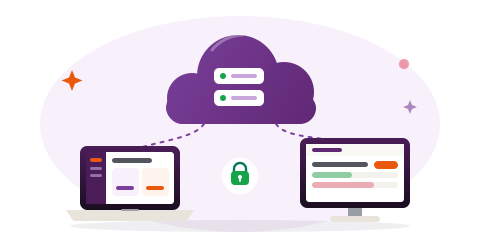
  • Hosted for you, or on your own server
  • Your own address and branding
  • 14-day free trial
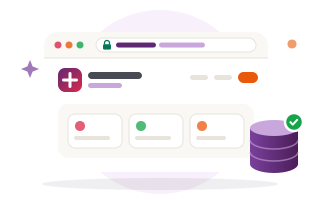
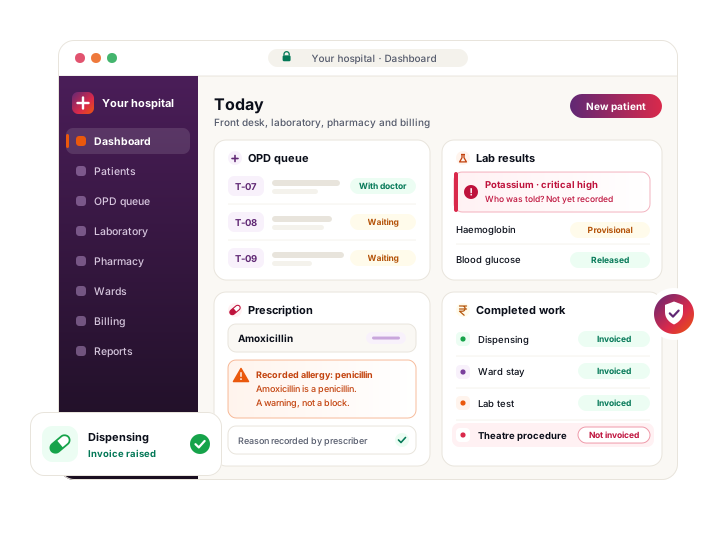
An illustration of the hospital dashboard: the OPD queue, a critical laboratory result waiting for somebody to record who was told, an allergy warning on a prescription with the prescriber's reason recorded, and the day's completed work checked against its invoices.
  • A database of your own On the hosted edition, each hospital's records are kept in their own database.
  • Encrypted at rest AES-256-GCM on medical history, allergies and lab results.
  • A signed activity log Editing, forging or deleting an entry is detectable.
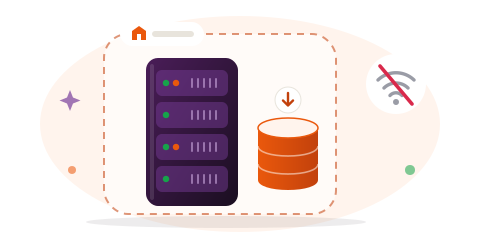
  • Runs without internet The self-hosted edition needs no connection at all.
Worth leading with

Past the feature list

Every hospital system registers patients and prints bills. These four are the parts worth looking at first.

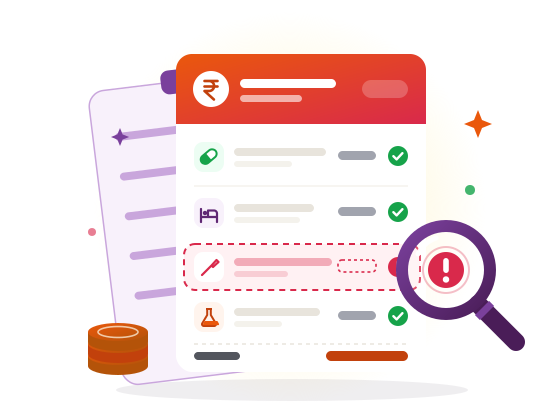
Illustration: an invoice ledger in which a completed theatre procedure stands out as never invoiced.

It finds work that was never billed

Professional plan and above

Completing a lab test or a theatre procedure raises its invoice, as pharmacy dispensing and ward stays do. The revenue-leakage report then lists work that was done and never invoiced — arithmetic you can check against last month's completed orders, not an estimate.
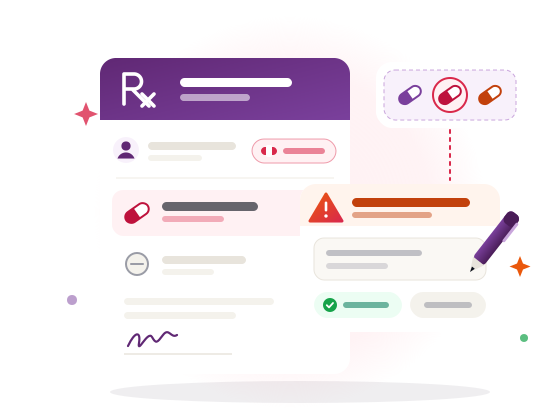
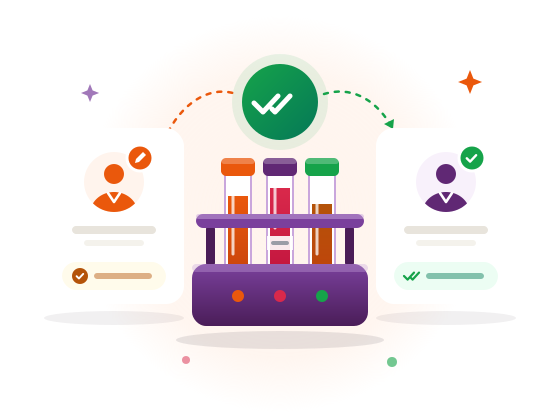
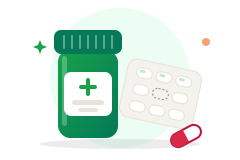
Illustration: a prescription pad with a warning raised because the medicine belongs to the drug class of a recorded allergy, and the prescriber writing a reason.

Allergy checks that understand drug classes

A recorded penicillin allergy warns when amoxicillin is prescribed, because amoxicillin is a penicillin. The warning informs; it never blocks. The prescriber types a reason and it is kept with the prescription.

Built-in checks cover common interactions and drug allergies, and can be extended with a licensed drug database.

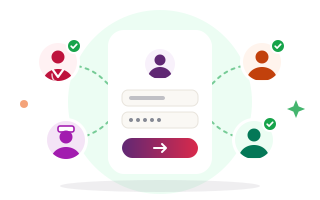
Illustration: test tubes between two people, one who enters a result and a second person who checks and releases it.

Lab results released by a second person

Professional plan and above

The person who enters a result cannot release it. It stays provisional, and out of the patient portal, until somebody else has checked it. A corrected result keeps the old value on the record and reads as amended from then on.

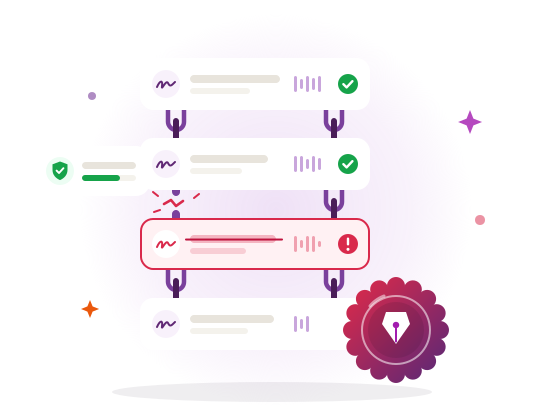
Illustration: a chain of signed log entries under a seal, in which one altered entry and its broken link stand out.

An audit trail that shows tampering

Every entry in the activity log is signed. Editing a row, forging one, renumbering them or deleting them — including the newest ones — is detectable, and the whole log can be checked on demand. Often it is the only evidence of who saw or changed a record.

See how each feature works

Modules

The whole hospital, not only the front desk

Seven groups of modules, from registration to payroll. Each has its own page.

Clinical

Patients · Appointments · Prescriptions · Vitals · OPD queue · Progress notes · Patient documents · Health ID and consent (ABHA, India only)

Inpatient

Admissions and drug chart · Wards and beds · Operation theatre · Birth and death records

Pharmacy & stores

Pharmacy stock · Dispensing · Suppliers and purchasing · Equipment

Finance

Billing and invoices · Insurance · Expenses · Reports · Analytics and revenue leakage

Analytics and the revenue-leakage report are on the Professional plan and above.

People

Payroll · Duty roster and leave

Operations

Ambulance · Feedback · Messages

On every plan: the dashboard, doctors, staff, departments, users, settings, the activity log and the patient portal. Plans differ in which of the modules above they include.

See every module

How it starts

From first look to first patient

Three steps, and you see it working before anything is decided.

  1. Book a demo, or start a trial

    See it on a call with your own questions, or open a free trial workspace and try it yourself.

  2. Your workspace is set up at your own address

    At your-hospital.healthcare.dvsoft.in, or a domain of your own, with your hospital's name and logo. On the hosted edition it has its own database from the start.

  3. Your team signs in

    Doctors, nurses, reception, laboratory, pharmacy and accounts, each seeing the pages their role allows. Patients use the portal for appointments, prescriptions, results and invoices.

Two ways to run it

Two editions. The difference is where the data sits

The same software either way. Choose who looks after the server.

Hosted for you

We run the server; your staff sign in from a browser.

  • Your own address, with your hospital's name and logo
  • Each hospital's records kept in their own database
  • Sensitive fields encrypted at rest
  • Single site: one hospital at one location

On your own server

It runs on your hardware, inside your network. Your data never leaves it.

  • Works with no internet connection at all
  • Multi-branch, for groups running several sites
  • Backups are plain MySQL dumps that you hold
  • PHP 8.1 or newer, MySQL 5.7+ or MariaDB 10.3+, on Apache or nginx
Pricing

Published prices, with the limits on the plan

Hosted plans from $39 a month. The limits are on the plan and published up front — no per-user licence to negotiate later.

Starter

14-day trial

$39 a month

  • 10 staff logins
  • 2,000 patient records
  • 12 of 28 modules
What Starter includes

Pay yearly and get two months free. 14-day free trial on the hosted edition.

Compare plans in detail Get a quote

Hospitals in India are billed in rupees, and hospitals everywhere else in US dollars. Running it on your own server, or across several sites? Ask for a quote.

See it working, with your questions

A demo on a call: the front desk, the laboratory, the pharmacy and the invoice, in the order your day runs. Bring the awkward questions too.